
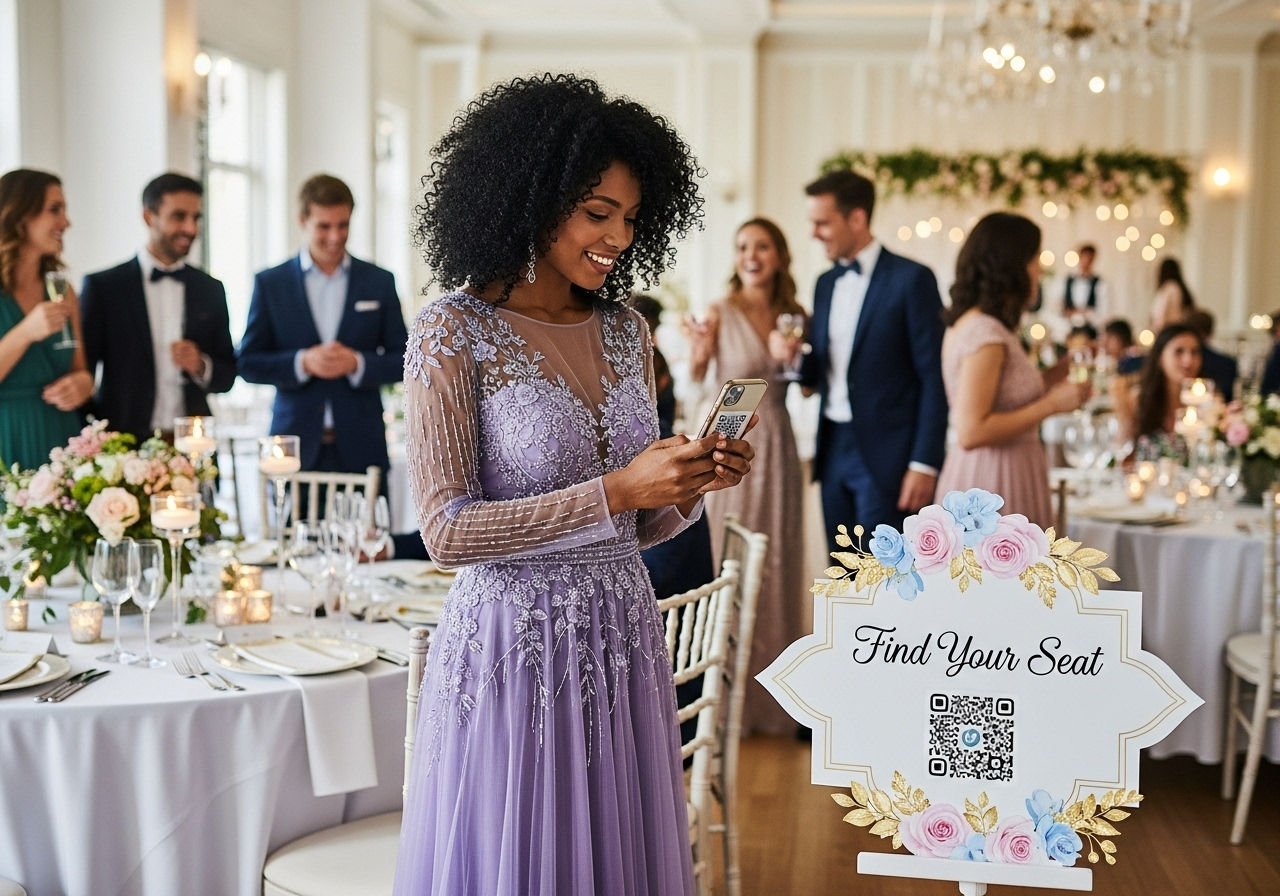
Digital Seating Chart Ideas to Improve Your Event Flow and Guest Experience
A great event starts with a great first five minutes. If guests walk in and immediately know where to go, the room feels calm, premium, and well-managed. Digital seating charts are becoming the gold standard because they improve entry flow, reduce questions, and stay flexible even when the guest list changes at the last minute.
What a Digital Seating Chart Does Differently
Traditional seating charts are static; once printed on foam board, they cannot adapt without messy handwritten edits. Digital seating charts are dynamic, meaning updates can be made instantly in the backend without confusing guests with outdated versions.
Improving the Entry Flow
A printed board forces everyone to share the same physical space while searching for their name, creating a bottleneck. A QR-based seating chart spreads that search across guests’ own phones, keeping entryways clear and moving.
A QR code digital seating chart takes the traditional approach and turns it into a mobile-friendly experience that upgrades weddings, galas, and corporate dinners.
Creative Digital Seating Ideas by Event Type
Digital solutions are versatile. Whether you are hosting a formal fundraiser or a high-stakes corporate meeting, the way you present seating data can define the guest experience.
1. Galas: The "Welcome Hub" Station
At a gala, guests often ask about the program, the auction, or the menu. A digital seating chart acts as a comprehensive welcome hub that reduces volunteer interruptions.
Pro Tip: Place one large QR sign at the entry and a second smaller sign near the bar to catch guests who missed the first one.
Success Scenario: After switching to QR lookup, one charity gala of 320 people eliminated entrance bottlenecks entirely.
2. Corporate Dinners: Seamless VIP Routing
Corporate events require professional discretion. Digital charts allow planners to reshuffle seats privately—if an executive arrives late, the change reflects immediately on the guest's phone without awkward public edits.
3. Charity Events: Themed Sponsor Recognition
Fundraisers rely on branding. Modern tools allow you to customize colors and fonts to match the nonprofit’s identity, ensuring the seating page feels like a premium extension of the event rather than a utility.
Strategic Signage and Placement
Sign placement matters as much as the digital interface itself. A hidden or tiny QR code will fail to improve the flow of your event.
Multiple QR Checkpoints
Large venues often see guests scan at the door, only to forget their table number by the time they reach the ballroom. Use multiple "reminder points" to reduce backtracking:
The First Scan: Located just inside the main entrance.
The Overflow Point: A second sign in the lobby to prevent crowding.
Inside the Room: Near the ballroom doors for a quick final check.
The goal is to make the guest experience feel effortless by placing resources exactly where they naturally pause.
Design Tips for Flawless Scanning
A digital seating chart is only effective if it is scannable. Technical friction can frustrate guests, so follow these industry best practices:
Size matters: Ensure QR codes are at least 2 x 2 inches on small signs and much larger on entrance displays.
High contrast: Always use a dark QR code on a light background for reliable scanning in dim venue lighting.
Clear Instructions: Include a simple call-to-action like "Scan to find your table" to reduce hesitation.
The DigiSeats Advantage
DigiSeats is designed specifically to replace paper-based boards with an interactive, mobile-friendly approach. It allows guests to search and filter their names instantly, significantly reducing the time spent scanning a long list of names.
Premium Customization
Beyond simple lists, DigiSeats Extended offers a guest management layer that physical boards cannot provide, including:
Floorplan Uploads: Helping guests orient themselves in large rooms.
Menu & Schedule: Providing all essential event info in one link.
Real-time Tracking: Keeping organizers updated on guest arrivals.
Planner's Best Practices Checklist
Redundancy: Use at least two QR signs for events over 150 guests.
Accessibility: Keep a small backup printed list at check-in for guests without smartphones.
Testing: Always scan the printed sign in the actual venue lighting before doors open.
Branding: Customize the theme colors, but always prioritize readability over decorative fonts.