
Digital Seating Chart for Weddings & Events
Guests scan one QR code, type their name, and find their table in seconds. No app downloads, no printed boards, no last-minute panic.
Free plan available · Setup in under 10 minutes · Last updated May 2026
How to Create a Digital Seating Chart in 4 Steps
From spreadsheet to scannable QR code in under 10 minutes — no design or tech skills needed.
Upload your guest list
Import from CSV or Excel, or paste names directly. Bulk-add families and groups in seconds.
Assign tables
Drag-and-drop guests onto tables. Lock VIPs, group families, and balance head-counts.
Customize & brand
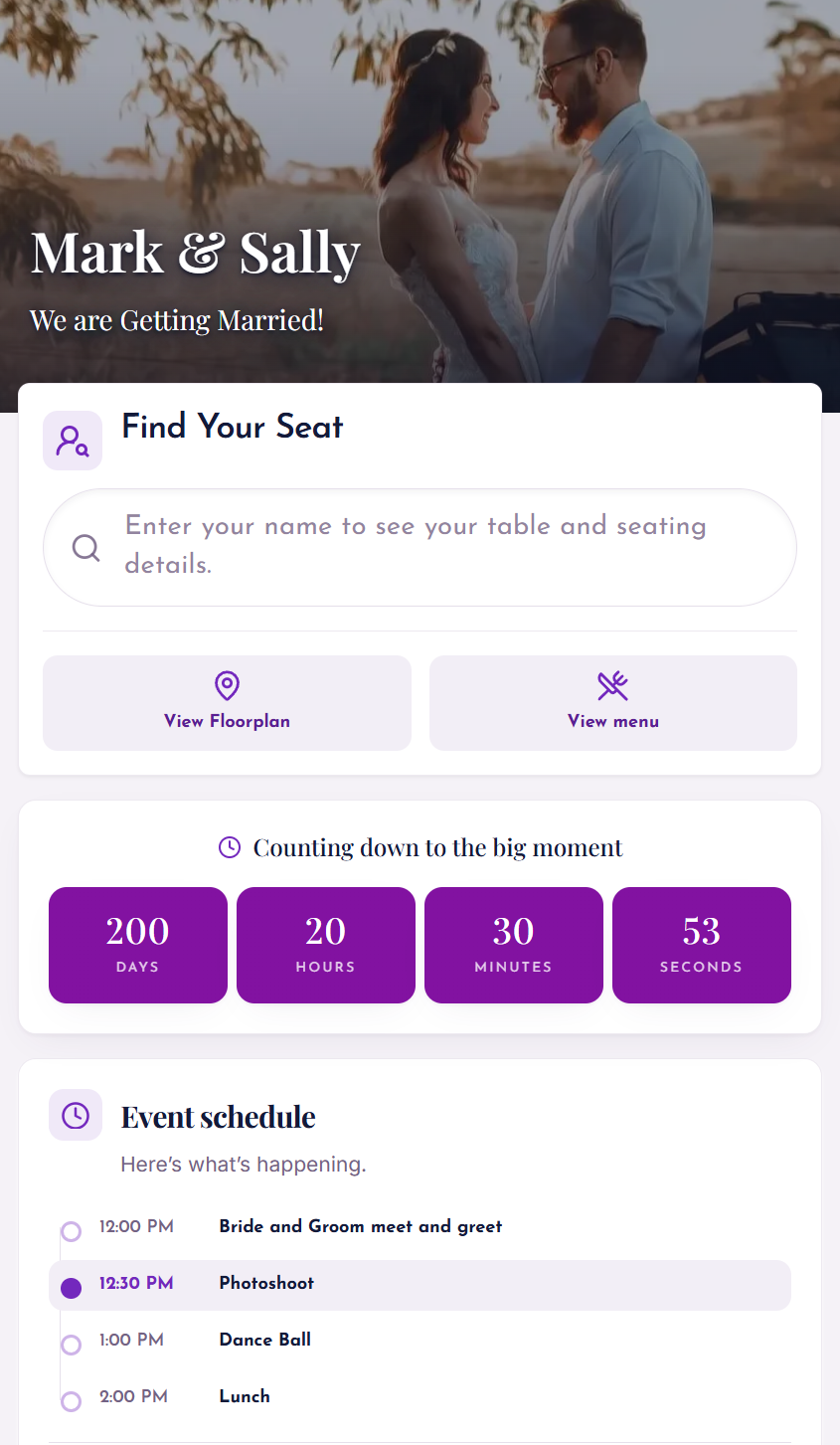
Pick fonts, colors, a photo background, and (Extended) upload your floorplan, menu, and schedule.
Share your QR code
Print on signage, add to invitations, or share the link. Guests scan and find their seat instantly.
Simple Pricing for Every Event
Start free. Upgrade when you need more guests or branding.
Standard
Most popular- Up to 500 guests
- Custom colors & fonts
- Photo background
- Anonymous View privacy
- Real-time updates
Extended
Best for weddings- Up to 1,000 guests
- Everything in Standard
- Custom floorplan upload
- Check-in tracking & exports
- Menu, schedule & countdown timer
See the full pricing comparison on our homepage.
What is a Digital Seating Chart?
A digital seating chart is an online, mobile-friendly seating chart app that replaces the printed foam board at your event entrance. Hosts upload their guest list to an online seating chart maker, assign tables, and share a single QR code. Guests scan, type their name, and instantly see their table — no app download required.
Think of DigiSeats as a smart wedding table planner and event seating software rolled into one. The same interactive seating chart works for weddings, corporate galas, conferences, and charity events. Guests can also find their seat using a QR code in under 5 seconds.
Why Printed Seating Charts Fail Modern Events
Most planners don't realize how many hidden problems paper systems create.
Everyone gathers around one board. A bottleneck right at the entrance — guests wait, search, and block others.
One misspelled name and a guest cannot find themselves. Reprinting costs time and money.
Cancellations, plus-ones, table swaps — every event has them. Printing locks you in.
Large foam boards and signage are expensive. Reprints double the bill.
Someone from your family or team ends up running the seating board instead of enjoying the event.
Everything You Need in One Seating Chart App
Not a generic spreadsheet — an event seating software built specifically for seating management.
Setup in Minutes
Upload your guest list via CSV or Excel — or check our quick getting-started flow. No technical skills needed.
Unique QR Code per Event
One scannable code works on any phone browser. No app downloads, no friction.
Live Real-Time Updates
Move someone to a new table and every future scan reflects it instantly. Zero reprinting.
Fully Customizable
Photo background, custom fonts and colors, floorplan upload, menus, event schedule, and a countdown timer.
Check-In Tracking (Extended)
Guests tap to check in and hosts see exactly who has arrived — timestamped data exports included.
A Real Wedding, A Real Problem
Neha & Raj's Wedding · 220 guests
I learned this the hard way at my friend Neha and Raj's wedding last summer. We thought the seating plan was handled — printed beautifully on foam board at the entrance.
Within twenty minutes there was a crowd around it. Guests were squinting. Names were hard to find. Raj's sister ended up standing there the entire evening, just answering one question over and over.
"Where am I sitting?"
That night made it clear. Traditional seating charts create stress at the exact moment you are supposed to relax and celebrate. That is why an interactive seating chart is becoming the new standard.
How Guests Actually Experience It
Michael's Corporate Awards Night
Powered by DigiSeats · 340 attendees
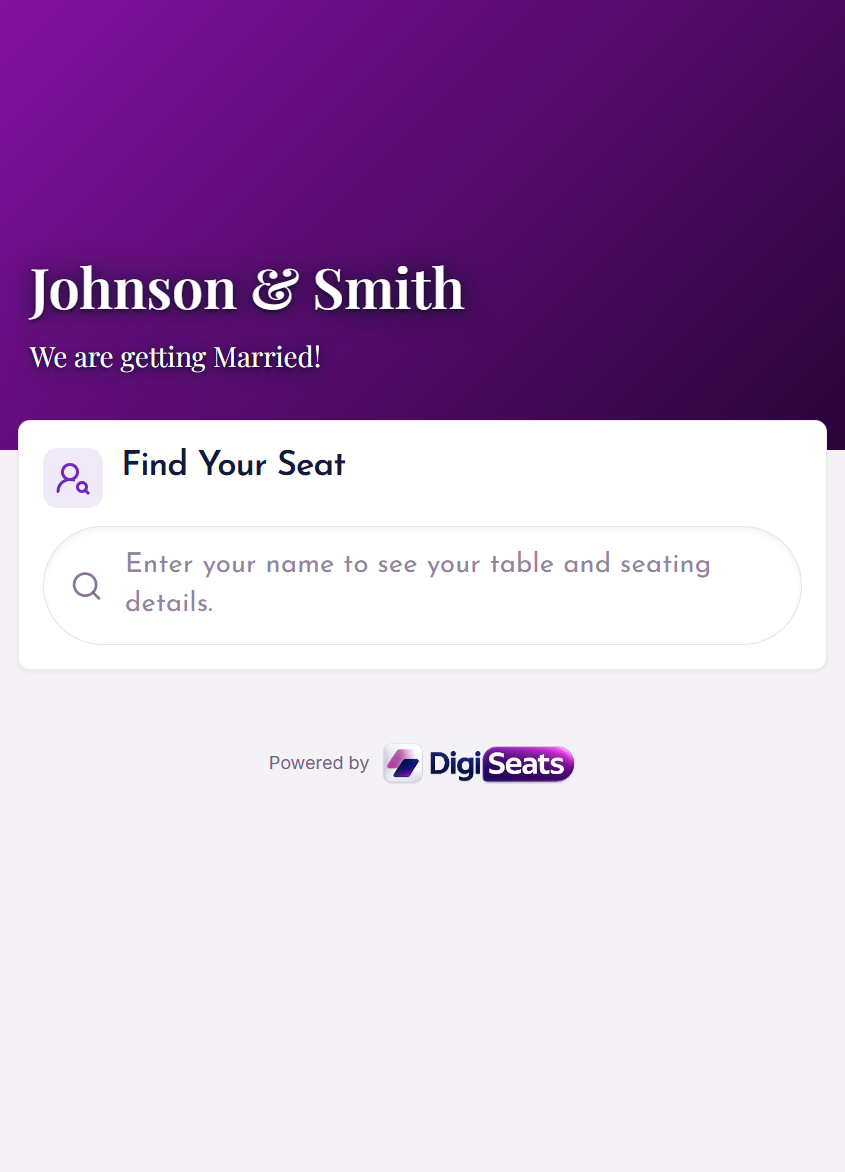
When I walked in, there was no big board. Just a small sign with a QR code that said "Find your seat."
I scanned it. Typed my name. Instantly it showed "Table 12."
Michael made three seating changes ten minutes before the doors opened. With paper, a nightmare. With DigiSeats check-in tracking, it was done in seconds.
A Modern, Premium Guest Experience
Guests already use their phones for invites, photos, and directions. Scanning a QR seating chart feels natural — and replaces a cluttered entrance with a clean, branded experience.
Eco-Friendly & Cost Effective
Completely paperless. No printing, no foam boards, no waste. Planners running multiple events each year save hundreds of dollars — and a lot of landfill foam.
Digital Seating Chart Questions, Answered
The most common questions from couples, planners, and corporate organizers.
Skip the Paper. Launch Your Digital Seating Chart Today.
Free to start. Setup in under 10 minutes. Your guests (and your sanity) will thank you.
Page last updated May 2026 · Support: contact our team